


Meta AI photo feature is quietly accessing your camera roll on Facebook and Instagram. Here is what it does, what data it collects, and how to turn it off now
Millions of Facebook and Instagram users have received a notification saying their camera “just got smarter.” Before you tap Accept, here is what you are actually agreeing to — and how to say no.
You did not ask for it. You were not warned ahead of time. But there it was on your screen: a notification from Facebook or Instagram that read, “Your camera just got smarter. The new Meta AI app understands and interprets your photos.” For a lot of people, that message landed somewhere between puzzling and alarming — and according to cybersecurity professionals, a degree of concern is entirely reasonable.
Meta has been quietly rolling out an AI-powered photo feature that gives the company’s artificial intelligence systems access to the photos and videos sitting in your phone’s camera roll — including pictures you have never uploaded, never shared, and never intended anyone else to see. The tool has been building since last year, but many users are only now encountering it through push notifications and in-app prompts.
What The Feature Actually Does: Meta AI Photo Feature
At its most basic level, Meta’s AI photo tool is a creative editing suite. It lets users animate a Facebook profile picture, swap out the background in an Instagram photo, generate images from a written prompt, or produce collages and trip recaps from their existing camera roll. Meta’s own marketing describes it as the ability to “create AI images in seconds.”
The technology itself is not entirely new. Google has offered similar capabilities through Google Photos for some time, and Apple has been building AI features into its native photo library. What is new is Meta doing this across Facebook and Instagram — two platforms that together reach billions of people worldwide.
It is not just a normal Instagram filter. Your data, your photos and your videos are basically taken from your camera roll, and then they are uploaded into Meta servers so Meta AI can start analyzing them and making suggestions.”
That upload step is what has security researchers paying close attention. When you opt in to the camera roll processing feature, Meta gains the ability to regularly scan your most recent photos and videos — typically covering roughly the past 30 days — and transfer them to Meta’s AI servers for analysis. Those servers are separate from the standard Meta infrastructure that already stores the content you have deliberately posted. In other words, your data now lives in two distinct places.
Why this feels different from what Meta already knows about you
A fair-minded person might ask: if I have been posting on Facebook and Instagram for years, does Meta not already have most of my photos? The answer is partly yes — but there is a meaningful distinction worth understanding.
The photos you have shared publicly or with friends on Meta’s platforms are already on Meta’s servers. But the new camera roll access reaches into your phone’s local storage and pulls images that you have never chosen to share anywhere. That includes the mundane and the private: screenshots of text conversations, photos of your children at home, pictures of medical paperwork or financial documents, images you took and immediately forgot about.
JP Castellanos, the director of threat intelligence at the security firm Binary Defense, put it plainly: camera rolls contain far more than selfies and vacation snapshots. The privacy risk is not hypothetical — it is a matter of understanding what you are handing over.
Is Meta using your photos to train its AI?
This is the question most users want answered, and the current answer — for now — is no, not unless you specifically agree to it. Meta has stated that the camera roll feature will not be used for ad targeting or to improve its AI models during the test phase. The photos that Meta’s systems analyze are supposed to remain private unless you actively choose to share the resulting content.
That said, the terms governing these promises are subject to change. Sean Gorman, the chief executive of Zephr.xyz, offers a measured take: he does not view this particular feature as a dramatic new threat for people already deeply embedded in Meta’s ecosystem. But he emphasizes that users have a responsibility to read the terms of service before opting in to any new data arrangement with a major technology platform.
For people already on these services, I do not think it is a watershed moment. But there is a bigger question we all need to ask ourselves — at a social level, a political level, a personal level — about how we want AI integrated into our lives.”
Gorman notes that the broader pattern of technology companies trading personalization for data is accelerating with AI at a pace that has no real precedent. Whether you find the trade worthwhile is ultimately a personal decision — but it is a decision worth making consciously rather than by tapping through a notification without reading it.
How to turn it off on Facebook
The good news is that Meta has built an opt-out path into the feature — at least for now. Here is how to disable the AI photo feature and remove your setup photos from Meta’s servers on Facebook:
- Open the Facebook app and tap your profile icon in the top right corner.
- Navigate to Settings, then look for the Meta AI section.
- Tap “Create image of me” and then look for the toggle labeled “Create AI images of yourself with Meta AI.”
- Switch the toggle off. Meta says this will delete your setup photos from their servers, though you would need to retake them if you ever choose to re-enable the feature.
- Additionally, go to your app’s photo permissions in your phone’s settings and consider limiting Facebook and Instagram to “selected photos only” rather than full camera roll access.
How to limit access on Instagram
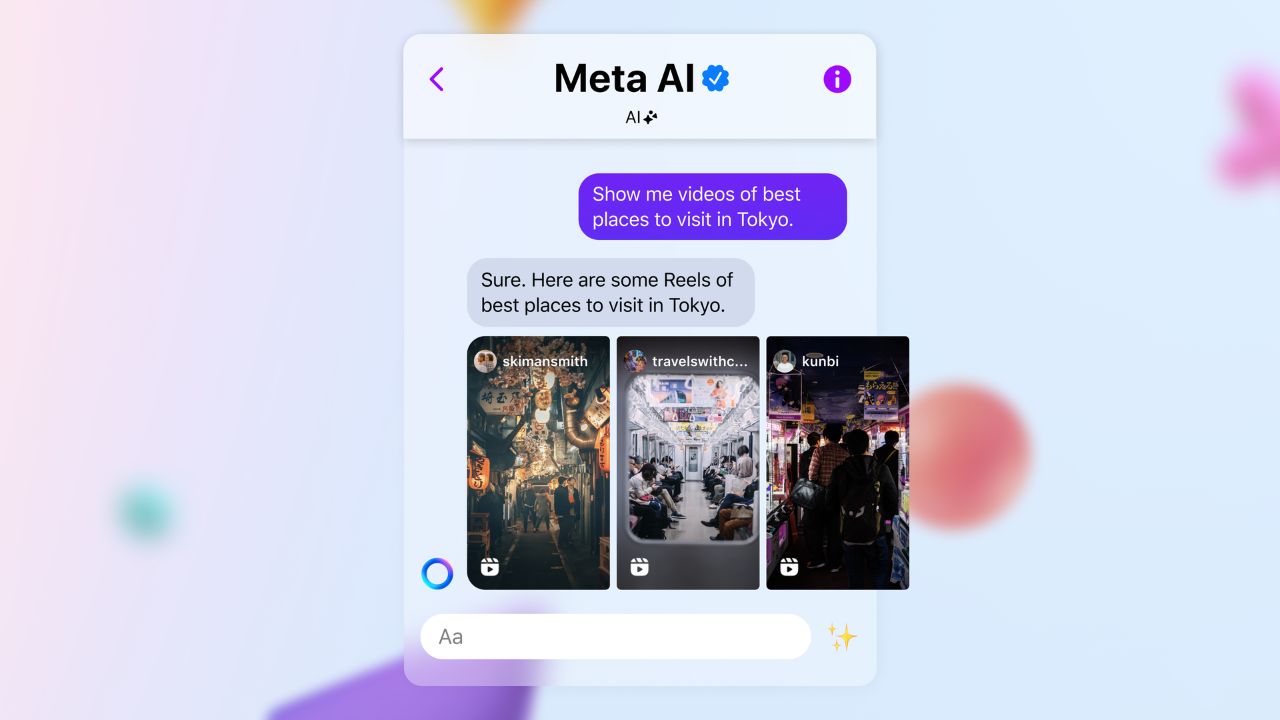
Instagram’s situation is somewhat different and, frankly, more limited. Meta AI is woven directly into Instagram’s search and messaging interface. You cannot fully remove it from the app. However, you can take meaningful steps to reduce how much the system touches your data.
You can delete any existing Meta AI conversations from your messages, though that does not guarantee the deletion of data already collected during those interactions. You can also review and restrict the app-level photo permissions on your device — the same step recommended for Facebook — to prevent Instagram from accessing your full camera roll going forward.
A note on WhatsApp
WhatsApp users have even fewer options. Meta removed the toggle that previously allowed users to opt out of AI features on the platform. The AI chat button is built directly into the app, and there is no mechanism to disable it. The practical guidance for WhatsApp at this point is to avoid interacting with AI-generated prompts and to mute AI chat threads rather than engaging with them.
The larger picture for American users
One uncomfortable reality for people in the United States is that they have fewer formal privacy protections than users in the European Union, the United Kingdom, and a handful of other jurisdictions. European users had the option to object to Meta’s AI data collection, though the deadline for that passed in May 2025. American users were never offered an equivalent choice for Meta’s general AI training practices.
The camera roll feature is currently opt-in, which is a meaningful protection. But the lack of a comprehensive federal privacy law in the United States means that the obligations Meta operates under domestically are considerably lighter than those imposed by the GDPR in Europe. That gap between what American consumers expect and what they are legally guaranteed continues to be a significant issue in the ongoing national conversation about AI and data rights.
What experts say you should do right now
The consensus from cybersecurity professionals is not that this feature is malicious or that Meta has acted in bad faith. Rather, it is that users should make an informed and active choice rather than a passive one. Castellanos recommends opting out unless you have a specific reason to use the AI photo tools, and restricting both Facebook and Instagram to selected photo access only.
Gorman, while less alarmed about the immediate privacy implications for existing Meta users, agrees on the broader principle: in an era when AI capabilities are expanding into almost every digital product you use, understanding how your data flows — and exercising your right to limit that flow — is simply good practice. The tools to do so exist. Using them is worth the few minutes it takes.