

You can check your Jio network speed in your area by running a speed test online using a third-party website like Speedtest by Ookla or a Jio-specific tool, or by using the JioHome app for the most accurate results for JioFiber. To do a quick check, use a web browser to visit an online speed test site, and to diagnose problems with your JioFiber connection, use the Run Diagnostics feature in the MyJio app. You can also check the Jio Coverage Map on the Jio website to see if 4G or 5G services are available in your specific location.
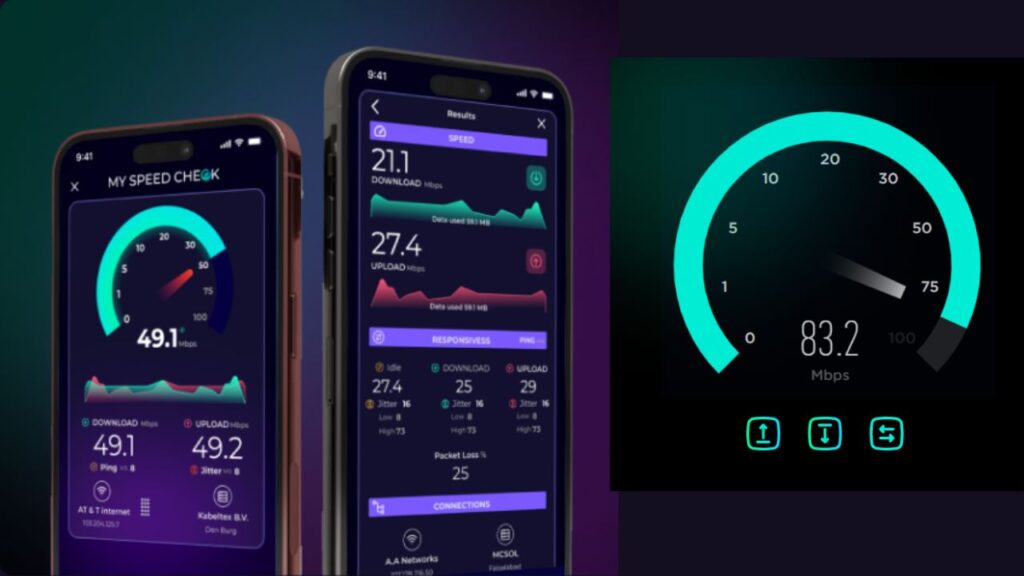
How to check your network speed
Using a web browser
- Visit a third-party speed test website like Speedtest by Ookla or Speed.is.
- Click the “Go” button to start the test.
- The results will show your download and upload speeds, as well as ping and jitter.
Using the JioHome app
- For the most accurate results, use the JioHome app, which measures speed directly from your Jio setup.
- You can also use the MyJio app to run diagnostics on your JioFiber connection if you are experiencing issues.
How to check network availability
- Visit the Jio Coverage Map on the Jio website.
- Enter your address to see if 4G or 5G is available in your specific area.
Tips for better speeds
- Restart your device or router.
- If you are using Wi-Fi, make sure your router is in a good location.
- Consider upgrading your plan if you consistently need higher speeds.
- For a more stable connection, use a wired Ethernet cable directly from your router to your device.